
audacity

Record and edit

About

The world's most popular audio recording and editing app. Free for all audio creators, forever.

100M
Downloads
since 2000
8M
Downloads of Audacity 3.2

Record anything

Import a recording or make your own with a mic.
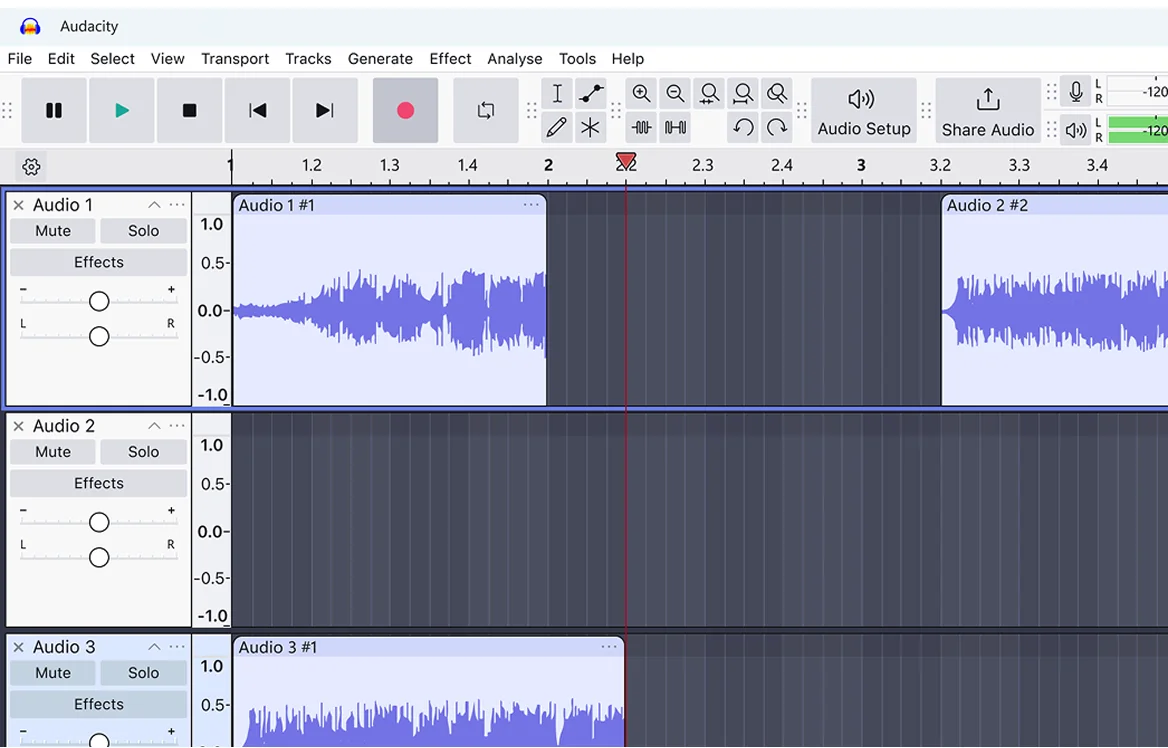
Audacity audio editing software interface showing three audio tracks with waveforms, transport controls, and menu bar.

Audacity 4 is coming soon

Stay tuned for exciting updates. Including an updated UI, Workspaces and productivity improvements. Learn more

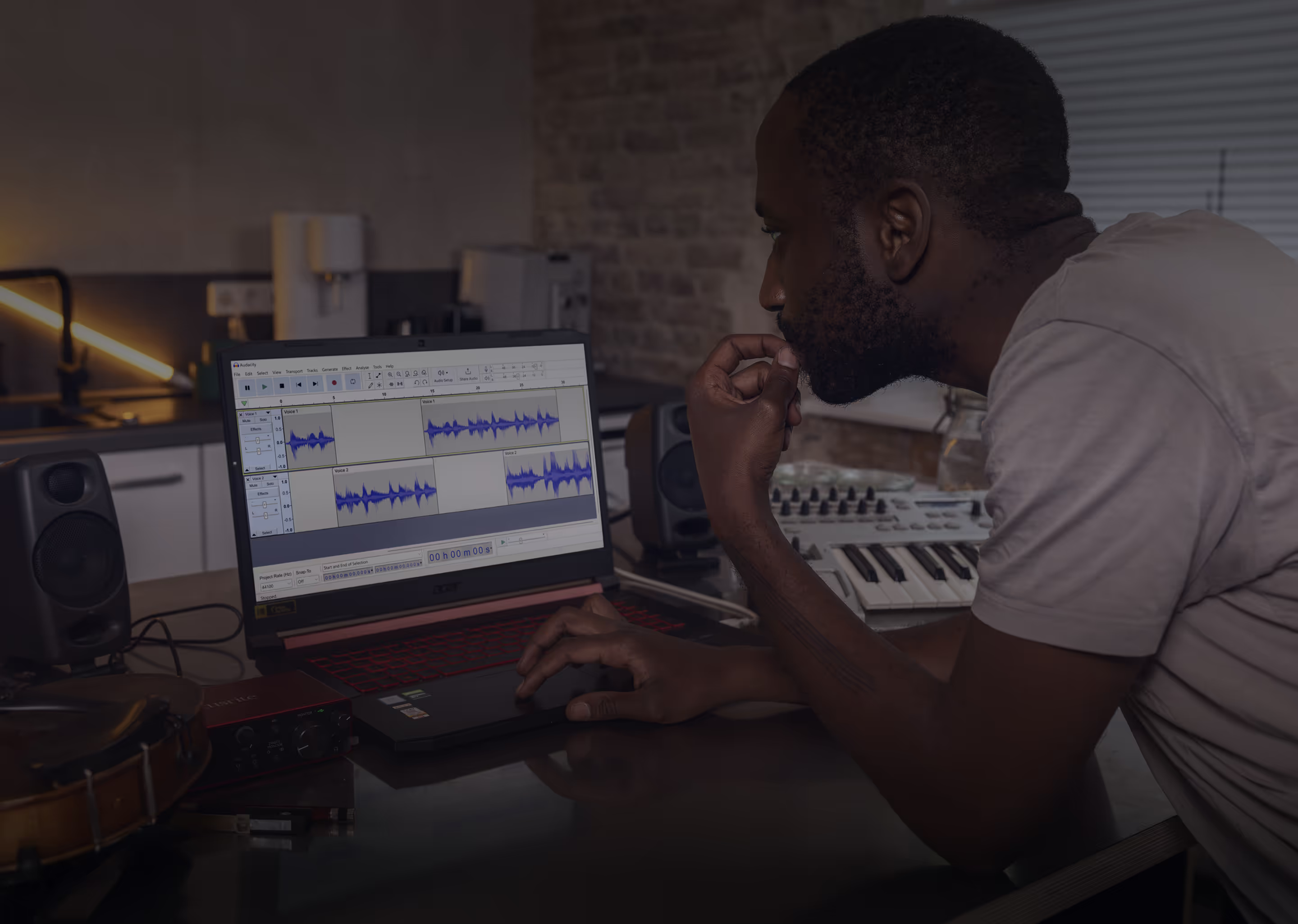
Home music studio workstation featuring a keyboard MIDI controller, computer monitor displaying audio editing software, microphone, and audio interface on a wooden desk.

Easily edit tracks

Adjust track volume, cut, and paste in seconds.
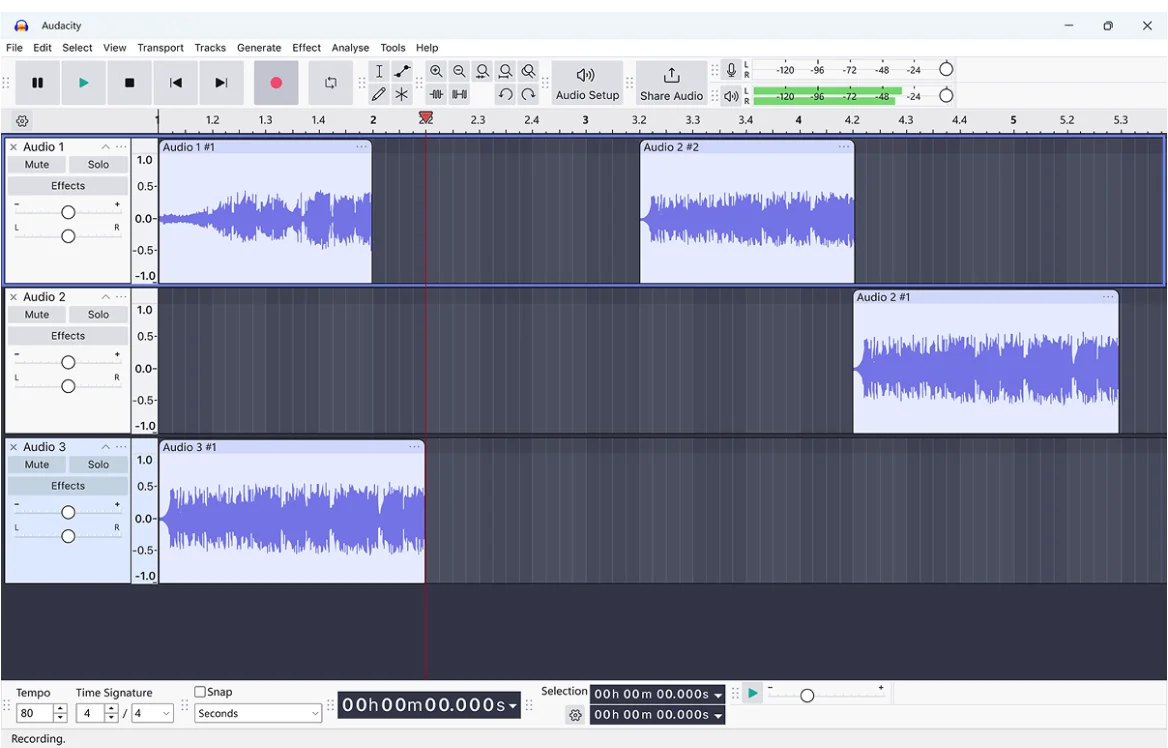
Audacity audio editing software interface showing three audio tracks with waveforms arranged on the timeline and playback controls at the top.

Make it perfect
with Effects

Including noise reduction, vocal isolation, filters, and more.
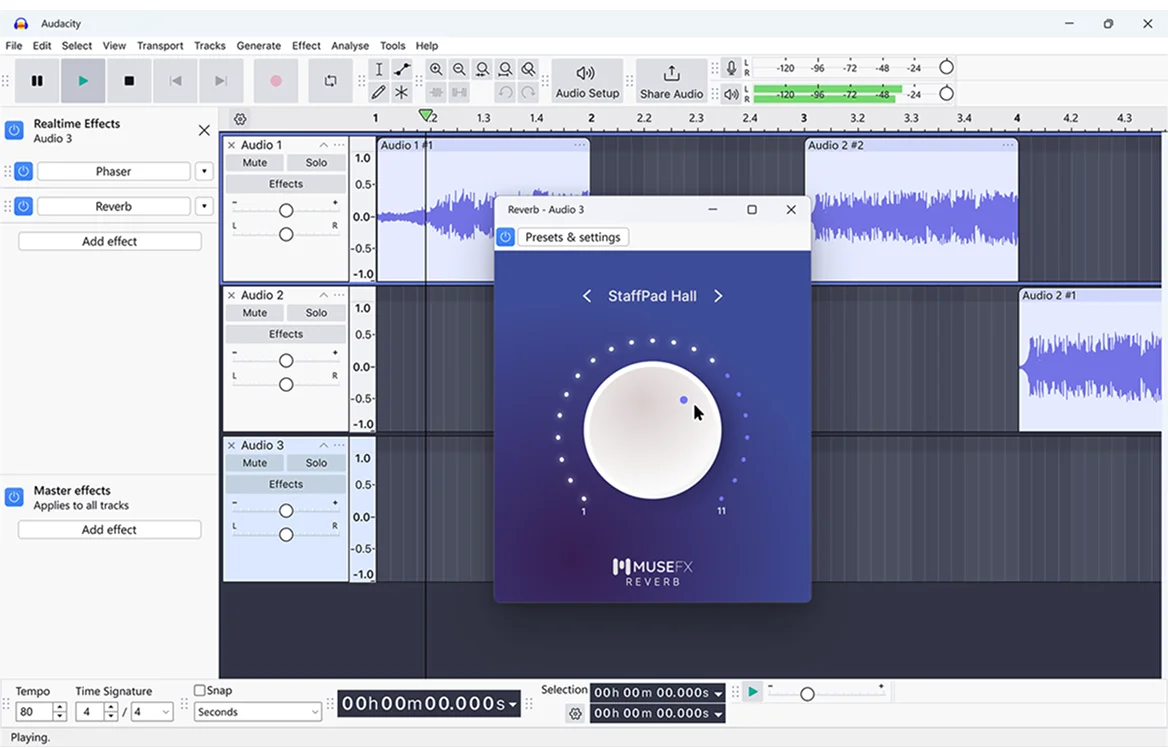
Audacity audio editing software interface showing three audio tracks with Reverb effect control panel open from MuseFX plugin.
By clicking “Accept”, you agree to the storing of cookies on your device to enhance site navigation, analyze site usage, and assist in our marketing efforts. View our Privacy Policyfor more information.